# Extraction Of Tabular Data From PDFs Using Python
# Extraction Of Tabular Data From PDFs Using Python
Pic source : Google
## How using python?
We can extract tabular data from PDFs using **camelot** library in python with >90% accuracy and we can save into csv or excel file.
## **What is camelot?**
Camelot is python based,MIT licensed ,open source library having following features:
* Work well and configurable
* We can debug and visualize using python matplotlib library
* We can export output file as a csv or excel file
* Camelot have excellent documentation
## **Installation :**
Using Conda:
* conda install camelot-py -c conda forge
Using pip (after installing tk and ghostscript)
* pip install camelot-py[cv]
N**ote** : It only works with text based PDFs not scanned documents.
## **Others PDFs Extraction Tools Available:**
* Tabula- Java based,Open source
* pdfplumber- Python,Opensource
* pdftables- Python,proprietary and paid
* Smallpdfs- Online and paid service
## Problems with these solutions:
* We can not save output file as csv or excel.
* These tools are not scalable and maintainable.
# Conclusion:
This article is inspired by speaker Vinayak Mehta in PyconIndia 2019.Thank you for reading. Please give it a try, have fun and let me know your feedback!
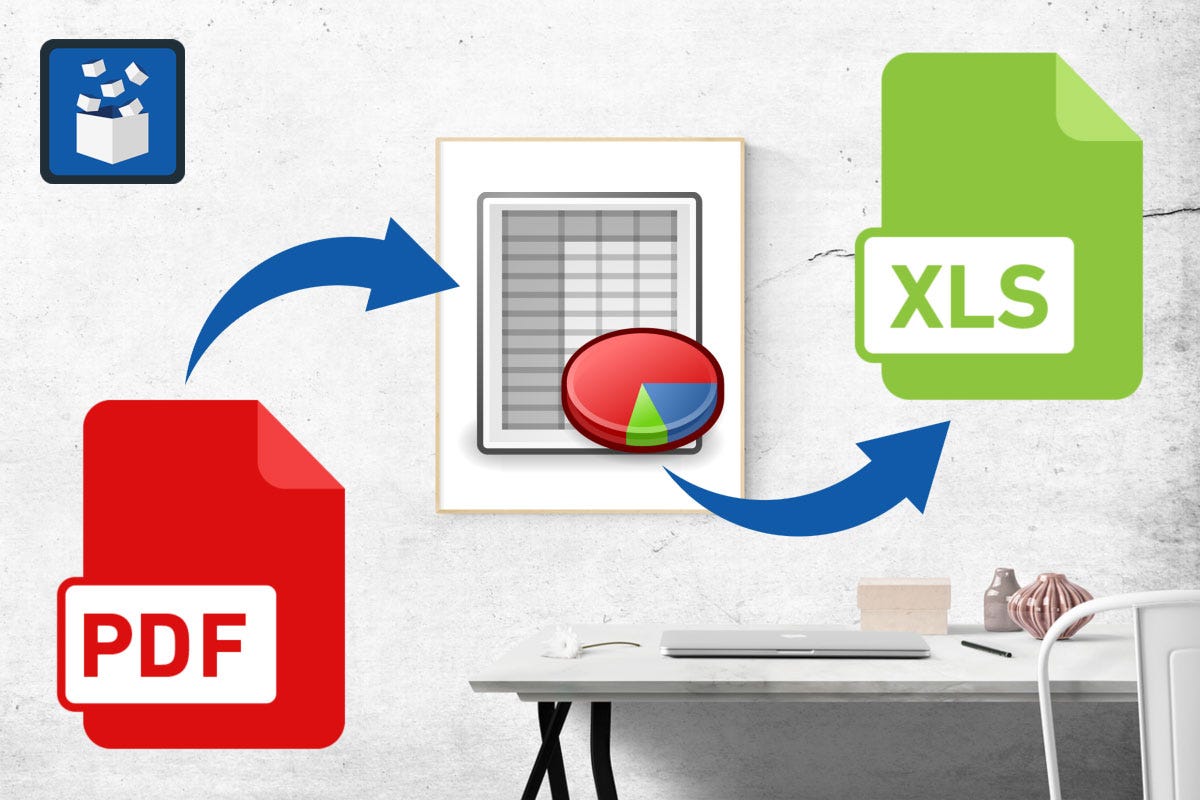 Pic source : Google
## How using python?
We can extract tabular data from PDFs using **camelot** library in python with >90% accuracy and we can save into csv or excel file.
## **What is camelot?**
Camelot is python based,MIT licensed ,open source library having following features:
* Work well and configurable
* We can debug and visualize using python matplotlib library
* We can export output file as a csv or excel file
* Camelot have excellent documentation
## **Installation :**
Using Conda:
* conda install camelot-py -c conda forge
Using pip (after installing tk and ghostscript)
* pip install camelot-py[cv]
N**ote** : It only works with text based PDFs not scanned documents.
## **Others PDFs Extraction Tools Available:**
* Tabula- Java based,Open source
* pdfplumber- Python,Opensource
* pdftables- Python,proprietary and paid
* Smallpdfs- Online and paid service
## Problems with these solutions:
* We can not save output file as csv or excel.
* These tools are not scalable and maintainable.
# Conclusion:
This article is inspired by speaker Vinayak Mehta in PyconIndia 2019.Thank you for reading. Please give it a try, have fun and let me know your feedback!
Pic source : Google
## How using python?
We can extract tabular data from PDFs using **camelot** library in python with >90% accuracy and we can save into csv or excel file.
## **What is camelot?**
Camelot is python based,MIT licensed ,open source library having following features:
* Work well and configurable
* We can debug and visualize using python matplotlib library
* We can export output file as a csv or excel file
* Camelot have excellent documentation
## **Installation :**
Using Conda:
* conda install camelot-py -c conda forge
Using pip (after installing tk and ghostscript)
* pip install camelot-py[cv]
N**ote** : It only works with text based PDFs not scanned documents.
## **Others PDFs Extraction Tools Available:**
* Tabula- Java based,Open source
* pdfplumber- Python,Opensource
* pdftables- Python,proprietary and paid
* Smallpdfs- Online and paid service
## Problems with these solutions:
* We can not save output file as csv or excel.
* These tools are not scalable and maintainable.
# Conclusion:
This article is inspired by speaker Vinayak Mehta in PyconIndia 2019.Thank you for reading. Please give it a try, have fun and let me know your feedback!